Phone Fell in Water? What to Do in the First Hour
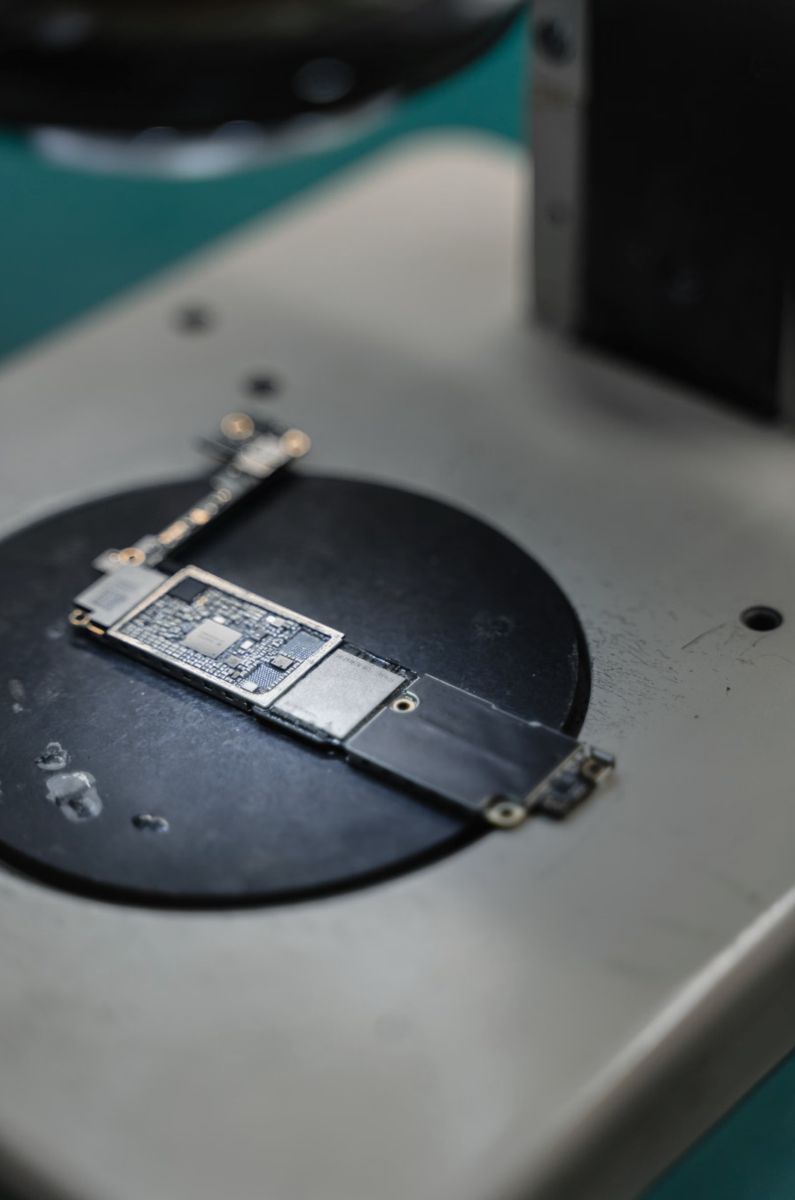
Your phone fell in water. Here's what to do in the first hour, because what happens next depends a lot on those first steps. In Florida, phones end up in pools, lakes and sudden rainstorms all the time. Most modern phones are water resistant, so a quick dunk often turns out fine.
Phone fell in water: what to do right away
- Get it out and unplug everything. No cable, no charger, no accessories.
- Wipe it off with a soft cloth or paper towel.
- Tap it gently against your hand with the charging port facing down so water can drain out.
- Leave it somewhere dry with airflow. In front of a fan on the cool setting works well.
- Don't charge it until both the phone and the cable are completely dry.
If it was salt water, a pool or a sugary drink, rinse isn't something to try at home. Dry it and get it checked soon (more on that below).
The wet phone rice myth
The rice trick is everywhere, and it doesn't do what people think. Apple's own support page says it directly: don't put your iPhone in a bag of rice, because small particles of rice could damage it. Rice dust and starch get into the port and speakers, and rice doesn't dry a phone faster than open air.
Also skip the hair dryer, the oven and compressed air. Heat can damage the battery and the seals, and compressed air can push water deeper. And don't stick cotton swabs or paper into the port.
Phone fell in water and is not charging
This is the most common thing people notice. On iPhone, a "Liquid Detected" alert stops charging on purpose to protect the port. Unplug it and wait. Drying can take several hours, sometimes a full day. Don't override the alert unless it's an emergency.
If your iPhone dropped in water and won't charge even after a full day of drying, or the alert keeps coming back, there may still be moisture or corrosion in the port. That's when to have it looked at. Our guide to phones not charging when plugged in covers the other causes.
Phone fell in water but still works
Good sign, especially if it was clean tap water. Keep an eye on it for the next week. Pool water, salt water, soda, coffee and anything sugary leave residue behind when they dry, and that residue causes corrosion on the board over days or weeks. Signs it got inside:
- Fog under the camera lens or screen
- Muffled speaker or microphone
- Charging that comes and goes
- Random restarts or the phone getting warm doing nothing
Phone fell in water and the screen is black
A black screen after water can mean the display was damaged, or the phone shut itself off. Don't keep pressing buttons or trying to charge it. Let it dry for at least a day. If it still won't show anything, or you see lines or a green tint, the display or the board was affected and it needs to be opened.
Water resistance wears out
The seals that make a phone water resistant weaken with age, drops and previous repairs, including screen replacements. A three-year-old phone that's been dropped a few times won't protect itself like it did new. Water damage also isn't covered by standard manufacturer warranties.
Getting a wet phone checked in Orlando
If the phone dried out and works normally after a clean-water drop, you probably don't need anyone. If it went into a pool, the ocean or a drink, or it shows any of the signs above, book a visit and choose "Other issue". We'll open the phone, look for liquid and corrosion, and tell you honestly whether a repair makes sense before doing any work. We cover all of Central Florida.
Frequently asked questions
My phone fell in water. What should I do first?
Unplug it, wipe it off, tap it gently with the port facing down and leave it somewhere dry with airflow. Don't charge it until the phone and cable are completely dry.
Does putting a wet phone in rice work?
No. Apple advises against it because rice particles can damage the phone, and rice doesn't dry it faster than open air.
Why is my phone not charging after it fell in water?
iPhones block charging when liquid is detected in the port. Let it dry for several hours or a full day. If it still won't charge, moisture or corrosion may need a technician.
My phone fell in water but still works. Am I okay?
Probably, if it was clean water. After pool water, salt water or drinks, residue can cause corrosion later, so watch for muffled sound, charging problems or restarts.
Does water damage void my warranty?
Liquid damage is generally not covered by manufacturers' standard warranties.
More from the blog
Aftermarket vs Original iPhone Screen: Problems, Prices and the 'Unknown Part' Message
Aftermarket vs original iPhone screen: real differences in brightness, color and battery, common aftermarket screen problems, the iPhone Unknown Part message and prices.
Read more →
When to Replace Your iPhone Battery: Battery Health %, Cycle Count and Cost
When to replace your iPhone battery: what battery health percentage means, why 80% matters, how to check cycle count, the warning signs and replacement cost in Orlando.
Read more →
Phone Not Charging When Plugged In? 7 Fixes Before You Pay for a Repair
Phone not charging when plugged in? Seven fixes to try first, why it may stop at 80%, what to do after it got wet, and what charging port repair costs.
Read more →