Phone Not Charging When Plugged In? 7 Fixes to Try First
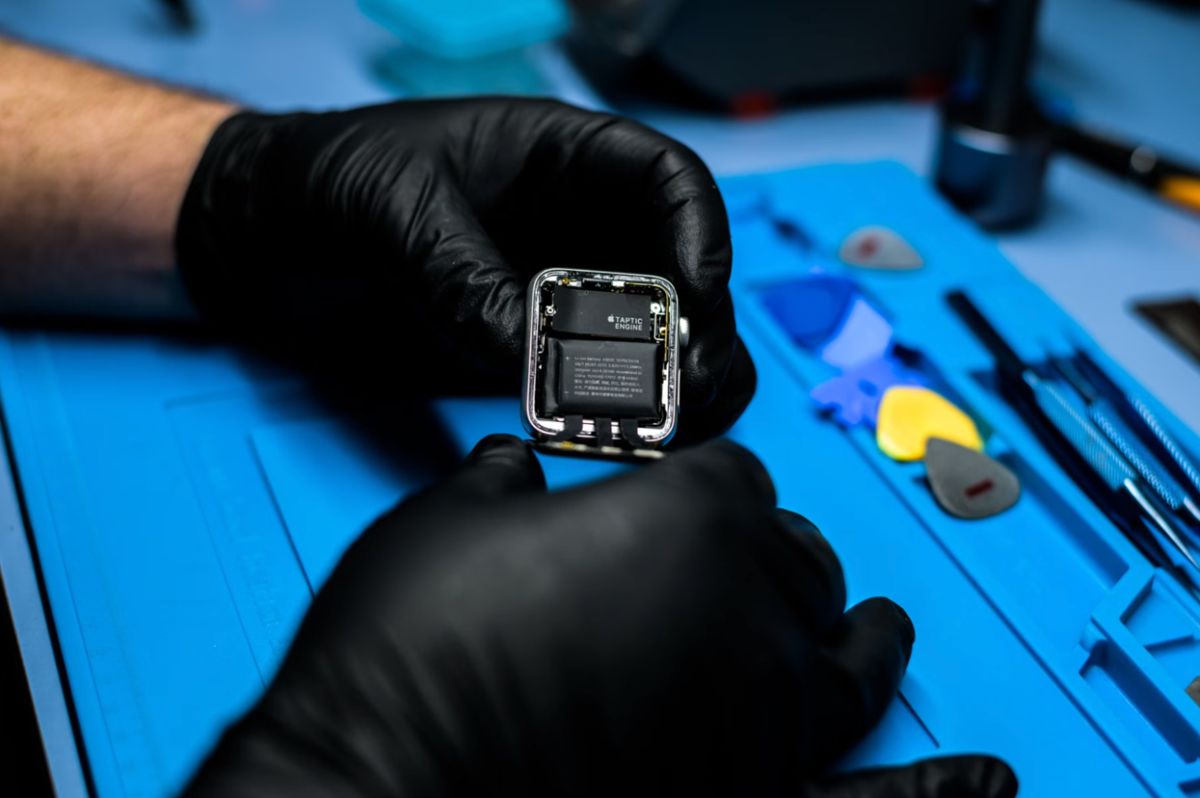
Phone not charging when plugged in? Before you pay for anything, go through these fixes in order. A lot of the time the cause is small: a bad cable, a port packed with lint or a setting you forgot about. These steps work for iPhone and Android.
1. Try a different cable and charger
Cables fail far more often than ports. Use another cable and power adapter that you know work with a different phone. Look at the ends of your cable: fraying, bent tips or a loose fit are red flags.
2. Try a wireless charger
If your phone supports wireless charging, put it on a pad. If it charges wirelessly but not with a cable, the problem is the cable or the port, not the battery.
The opposite case, a phone not charging on a wireless charger but fine with a cable, usually means a thick or metal-plate case, the phone not centered on the pad, or a weak charger. Take the case off and try again.
3. Restart the phone
A software glitch can stop charging. A restart takes thirty seconds and fixes it more often than you'd expect.
4. Look inside the charging port
Shine a flashlight into the port. Pocket lint gets packed tighter at the bottom every time you plug in, until the cable can't go in far enough. Signs:
- The cable feels loose or doesn't click in
- It only charges at a certain angle
- It charges, stops, starts again
With the phone off, you can gently try a wooden toothpick. Never use pins, paper clips or anything metal. If it's packed hard, let a technician clean it.
5. iPhone not charging after getting wet
A "Liquid Detected" alert stops charging on purpose. Unplug it and let the port dry, which can take hours or a full day. Don't use heat or compressed air, and skip the rice. Our guide on what to do when your phone falls in water has the details.
6. Phone not charging past 80%?
This one is usually a feature, not a problem. Both iPhone and Android can pause charging around 80% to protect the battery:
- iPhone: Optimized Battery Charging holds at 80% and finishes later based on your routine. On iPhone 15 and later, check Settings > Battery > Charging; an 80% limit may be turned on.
- Samsung and Pixel: look for battery protection or adaptive charging options in the battery settings.
Phones also slow or pause charging when they're hot. Let it cool down before deciding something's broken.
7. Check the battery
If the phone charges but drains fast, or dies at 20% to 30%, the port is fine and the battery is the problem. On iPhone check Settings > Battery > Battery Health. See when to replace your iPhone battery.
When it really is the charging port
If you've tried several cables, the port is clean, and the phone still won't charge (or only at one angle), the charging port is probably damaged. Charging port repair cost depends on the model. Some examples from our price list:
| Model | Charging port service |
|---|---|
| iPhone 15 Pro | $49.99 |
| iPhone 16 Pro | $69.99 |
Prices at LocalFixify. No travel fee within about 45 minutes of downtown Orlando.
For other models, choose "Other issue" when you book and we'll quote it. During any visit we check the cable, the port and the battery first, so you don't pay for a part you didn't need.
Charging problems fixed at your door in Orlando
We come to your home or office anywhere in Central Florida. Every repair has a 90-day warranty.
Preventing it next time
- Keep the phone in a pocket without keys or lots of lint when you can
- Use certified cables (MFi for Lightning iPhones)
- Don't charge right after a pool day or in the bathroom
Frequently asked questions
Why is my phone not charging when plugged in?
Most often a bad cable or charger, lint packed in the port, a software glitch, or moisture in the port. Try another cable, restart the phone and check the port with a flashlight before booking a repair.
Why does my phone stop charging at 80%?
Usually it's a battery-protection feature such as Optimized Battery Charging or an 80% limit on iPhone 15 and later, or adaptive charging on Android. Phones also pause charging when hot.
Why is my iPhone not charging after getting wet?
iPhones block charging when liquid is detected in the port. Unplug it and let it dry for several hours or up to a day.
How much does a charging port repair cost?
It depends on the model. For example, iPhone 15 Pro charging port service is $49.99 and iPhone 16 Pro is $69.99 with LocalFixify.
Can I clean my charging port myself?
Gently, with the phone off, using a wooden toothpick. Avoid metal objects, which can damage the pins.
More from the blog

Mobile Phone Repair in Orlando: Phone Repair That Comes to You vs Store vs Kiosk
Mobile phone repair in Orlando that comes to your house or office, compared honestly with the Apple Store and mall kiosks, plus the questions to ask any repair shop.
Read more →
iPhone Back Glass Repair Cost in Orlando (iPhone 11 to 17) and Is It Worth Fixing?
iPhone back glass repair cost by model, from iPhone 11 to 17, whether a cracked back is worth fixing, and how back glass replacement works. Repair at your door in Orlando.
Read more →
Cracked Phone Screen Repair in Orlando: Cost, Risks and How Long You Can Wait
Cracked phone screen repair in Orlando: what it costs for iPhone and Samsung, what happens if you wait, and what to do today. Repair at your door, 90-day warranty.
Read more →